Free digital bouquet · no signup
Free Digital Bouquet Maker
with a personal message
Create virtual flowers online in your browser: pick hand-painted blooms, shape a balanced arrangement, write a short card, optionally add soft music, and share an unlisted link—free, with no account.
with care

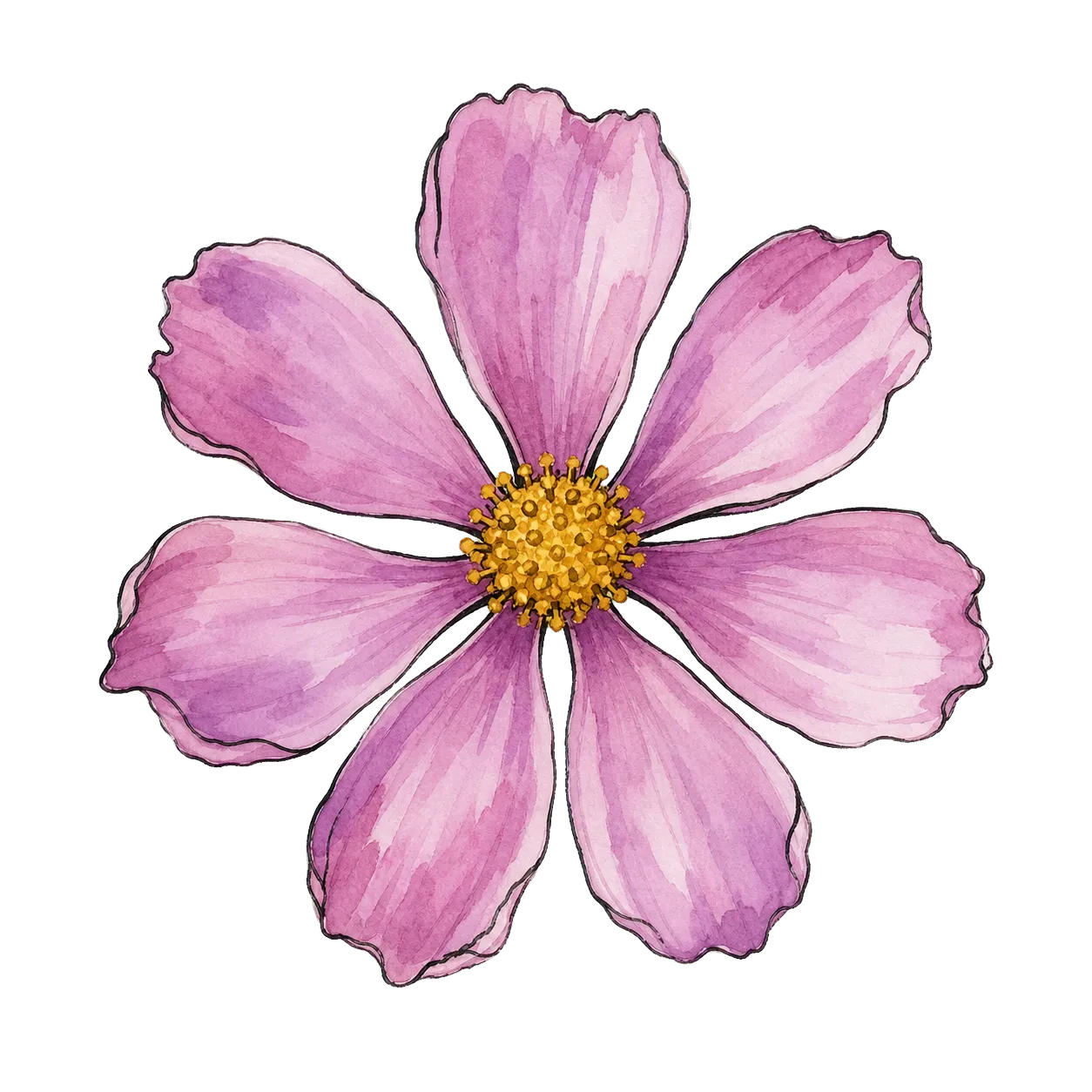







A little garden
for your day.Flowers fade.
This thought stays.
Your bouquet, your way
Start with the flowers. We’ll keep every arrangement balanced while you make it personal.
Bouquet studio
- 1Choose
- 2Shape
- 3Write
- 4Create
Step 1 of 4
Choose your blooms
Build a small garden with 6–10 blooms. Add up to three of each flower.
0 of 10 blooms selectedHow it works
Three small steps.
One thoughtful surprise.
- 01
Pick their flowers
Choose 6–10 hand-painted blooms and make the mix feel personal.
- 02
Shape the bouquet
Try balanced arrangements, greenery, and wrapping without dragging a single stem.
- 03
Write and send
Add a short card, create an unlisted link, and share it wherever you like.


When words need flowers
A virtual bouquet for the moments between occasions.
Send virtual flowers when shipping is too slow, distance is too far, or a message simply deserves more than a text bubble.
- A birthday thought that arrives on time
- A gentle thank-you after a long week
- A just-because note across any distance
- A small celebration without delivery logistics
Good to know
Questions, answered.
Is the digital bouquet maker free?
Yes. The free digital bouquet maker lets you design virtual flowers, add a message, and share an unlisted link without paying or creating an account.
How do I send the bouquet?
Create an unlisted bouquet link from the maker, then copy it into chat, email, or social. Recipients open it in the browser—no app install.
Can I include a personal message?
Yes. Add a recipient name, a plain-text message of up to 200 characters, and your name. You can also pick an optional soft soundtrack for the reveal.
Are shared bouquets private?
Bouquets are unlisted rather than password-protected. Anyone with the link can open one, so do not include sensitive information.
Does it work on phones?
Yes. The digital bouquet maker is designed for current mobile and desktop browsers and works without drag gestures.
Looking for longer answers?Read the digital bouquet guideson free bouquets, messages, and how the maker works.
There’s always a reason to send flowers.